



 Healthcare Software Development Services
 Healthcare App Development Services
 Real Estate Web Development Services
 Real Estate App Development Company
 E-Commerce App Development Services
 E-Commerce Web Development Services
 Blockchain E-commerce Development Company
 Fintech Software Development
 Fintech App Development Services
 E-Learning App Development Services
 Restaurant App Development Company
 Mobile Game Development Company
 Travel App Development Company
 Automotive Web Design
 AI Traffic Management System
 AI Inventory Management Software
 Logistics App Development Services
 Machine Learning Development
 ChatGPT integration services
  AI Development Company
  AI Integration Services
  Natural Language Processing Company
 Mobile App Development
  IOS App Development
  Android App Development
  Cross-Platform App Development
  Augmented Reality (AR) App Development
  Virtual Reality (VR) App Development
  Web App Development
  SaaS App Development
 Custom Software Development Services
  Flutter
  React Native
  Swift (IOS)
  Kotlin (Android)
  Mean Stack Development
  AngularJS Development
  MongoDB Development
  Nodejs Development
  Database Development
 Ruby on Rails Development
 Expressjs Development
  Full Stack Development
  Web Development Services
  Laravel Development
  LAMP Development
  Custom PHP Development
  .Net Development
  User Experience Design Services
  User Interface Design Services
  Automated Testing
  Manual Testing
  Digital Marketing Services
 Ride-Sharing And Taxi Services
 Food Delivery Services
 Grocery Delivery Services
 Transportation And Logistics
 Car Wash App
 Home Services App
 ERP Development Services
 CMS Development Services
 LMS Development
 CRM Development
 DevOps Development Services
 AI Business Solutions
 AI Cloud Solutions
 AI Chatbot Development
 API Development
 Blockchain Product Development
 Cryptocurrency Wallet Development
 About Talentelgia
  Our Team
  Our Culture
 Healthcare App Development Services
 Real Estate Web Development Services
 E-Commerce App Development Services
 E-Commerce Web Development Services
 Blockchain E-commerce
Development Company
Blockchain E-commerce
Development Company Fintech App Development Services
 Blockchain Fintech
Development Company
Blockchain Fintech
Development Company E-Learning App Development Services
 Restaurant App Development Company
 Mobile Game Development Company
 Travel App Development Company
 AI Traffic Management System
 AI Inventory Management Software
 AI Development Company
 ChatGPT integration services
 AI Integration Services
 Machine Learning Development
 Machine learning consulting services
 Blockchain Development
 Blockchain Software Development
 Smart contract development company
 NFT marketplace development services
 Asset tokenization companies
 DeFi Wallet Development Company
 IOS App Development
 Android App Development
 Cross-Platform App Development
 Augmented Reality (AR) App
Development
Augmented Reality (AR) App
Development Virtual Reality (VR) App Development
 Web App Development
 Flutter
 React
Native
React
Native Swift
(IOS)
Swift
(IOS) Kotlin (Android)
 MEAN Stack Development
 AngularJS Development
 MongoDB Development
 Nodejs Development
 Database development services
 Expressjs Development
 Full Stack Development
 Web Development Services
 Laravel Development
 LAMP
Development
LAMP
Development Custom PHP Development
 User Experience Design Services
 User Interface Design Services
 Automated Testing
 Manual
Testing
Manual
Testing About Talentelgia
 Our Team
 Our Culture
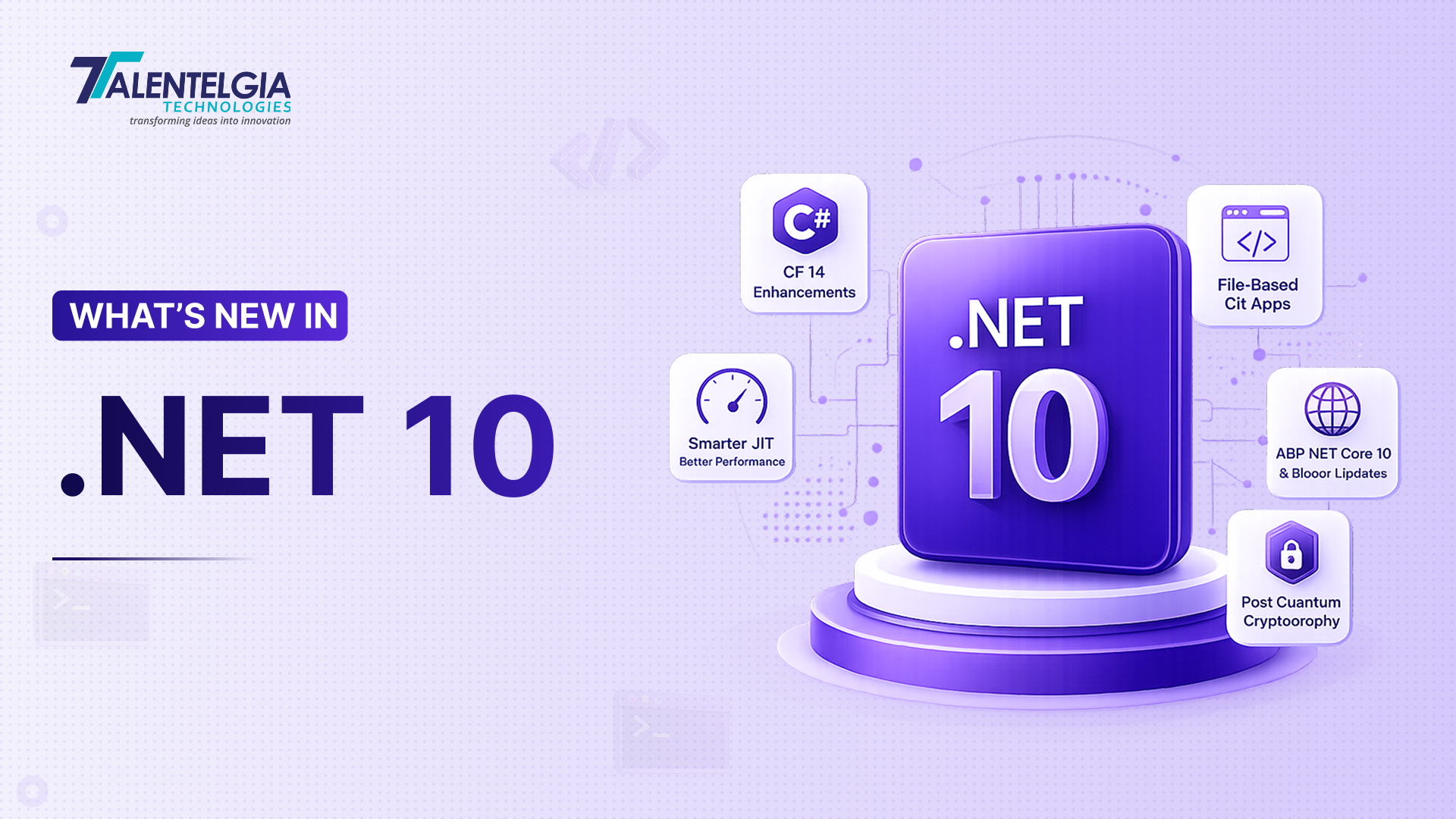
Microsoft released .NET 10 in November 2025, and as an even-numbered release, it carries Long-Term Support (LTS) status, meaning three years of official support through November 2028. That’s the detail worth sitting with before anything else: this isn’t just another annual release; it’s the version most production teams should be building their upgrade roadmap around.
Everything shipped together this time. C# 14 landed alongside .NET 10, and so did ASP.NET Core 10, EF Core 10, .NET MAUI, and Aspire 13. The runtime picked up a smarter JIT compiler. The SDK got a way to run C# without a project file. Libraries expanded into post-quantum cryptography. Blazor, minimal APIs, and EF Core’s query pipeline all moved forward too.
None of that means much without specifics, and that’s what the rest of this piece is for — what actually changed in each of these areas, why it matters for your codebase, and whether now’s the right time to move.
.NET 10 LTS Release: Support Timeline & Who Should Upgrade
.NET 10 lands as an even-numbered release, which under Microsoft’s current cadence means Long-Term Support: three years of patches and security updates running through November 2028. Odd-numbered releases like .NET 9 get Standard-Term Support instead, capped at two years. That difference alone changes how teams should think about this release — .NET 10 isn’t a version to skip while waiting for the next big one; it’s the version meant to anchor a production roadmap for the next several years.
What that support split looks like in practice:
- LTS (even-numbered, e.g. .NET 10, .NET 8) — 3 years of support
- STS (odd-numbered, e.g. .NET 9, .NET 7) — 2 years of support
- .NET 10 end-of-support date — November 2028
If your codebase already sits on .NET 8 or .NET 9, the jump is fairly low-friction. Most of what changed lives in the runtime, SDK, and libraries rather than in breaking API removals. In practice, upgrading means:
- Updating your target framework to net10.0
- Testing your NuGet dependencies against the new SDK
- Reviewing the short list of behavioral changes covered in the checklist later in this piece
Teams still running .NET Framework or older .NET Core versions face a bigger decision. .NET 10 doesn’t introduce new deprecations beyond what .NET 9 already flagged — ASP.NET Web Forms, Windows Communication Foundation, and Windows Workflow Foundation remain unsupported going forward. However, existing apps built on them will keep running. For those apps, the practical move isn’t a single cutover; it’s:
- Inventorying which apps still rely on deprecated stacks
- Checking for now-unsupported libraries in those codebases
- Mapping a realistic migration timeline instead of treating the move as one event
Also Read: Most Essential .NET Development Tools In 2025
C# 14 in .NET 10: What’s New for Developers
C# 14 ships alongside .NET 10, and most of what’s new here is aimed at cutting boilerplate rather than adding entirely new paradigms.
The most talked-about addition is the field keyword. Before C# 14, adding validation logic to a property meant manually declaring a private backing field:
private string _email;
public string Email
{
get => _email;
set => _email = value ?? throw new ArgumentNullException(nameof(value));
}
With a field, the compiler generates that backing storage for you:
public string Email
{
get;
set => field = value ?? throw new ArgumentNullException(nameof(value));
}
Same behavior, considerably less code to maintain.
Extension members got a real upgrade too. Previously, extension methods could only add methods to a type. C# 14 lets you define extension properties, static extension members, and even operators on types you don’t own:
extension<T>(IEnumerable<T> source)
{
public bool IsEmpty => !source.Any();
}
Now myList.IsEmpty reads naturally, without wrapping the collection or writing a helper method elsewhere.
Two smaller but genuinely useful additions: null-conditional assignment, so order?. City = city; replaces a full null-check block, and lambda parameters can now take modifiers like ref, in, and out without spelling out explicit types. C# also extended nameof to work with unbound generics like List<>, useful in logging and reflection-heavy code. Partial classes gain partial constructors and partial events too, letting source generators implement logic while your hand-written code only declares the signature.
.NET 10 Performance Improvements: Runtime & JIT Enhancements
The .NET 10 runtime’s headline work is in the JIT compiler, and most of it targets a specific problem: interfaces and abstractions have historically carried a performance tax compared to writing raw, concrete code.
Looping over an array with a plain for loop has always been easy for the JIT to optimize — it removes bounds checks and inlines aggressively. Looping over the same array through IEnumerable<int> in a foreach, though, introduced virtual calls that blocked those optimizations. .NET 10’s JIT can now devirtualize array interface calls, closing much of that gap. This is part of a broader effort to make abstracted code perform closer to hand-tuned code, rather than asking developers to choose between clean interfaces and speed.
Stack allocation also expanded:
- .NET 9 — could place short-lived objects on the stack instead of the heap when it could prove they wouldn’t escape their method
- .NET 10 — extends that to small, fixed-size arrays of value types with no GC references, meaning a three-element int array declared and used inside one method no longer needs a heap allocation or garbage collection cleanup
On the hardware side, .NET 10 adds support for AVX10.2 instructions through the System.Runtime.Intrinsics.X86.Avx10v2 namespace. No shipping CPU supports it yet, so the feature stays off by default, but it’s positioned for vectorized workloads once compatible processors land, including:
- Numeric computation
- Image processing
- ML inference
Together, these changes mean many applications will see measurable CPU and memory improvements without any code changes at all, just from recompiling against .NET 10.
New in .NET 10: File-Based C# Applications (SDK)
One of the more practical additions in .NET 10 has nothing to do with performance; it changes how you start writing C# in the first place.
Until now, even a minimal console app needed a .csproj file and a project structure around it. .NET 10 introduces file-based applications: a single .cs file that runs directly with dotnet run, no project file required.
// GetUserData.cs
using System.Net.Http;
var http = new HttpClient();
var response = await http.GetAsync(“https://api.example.com/users/1”);
Console.WriteLine(await response.Content.ReadAsStringAsync());
Run it with:
dotnet run GetUserData.cs
That’s the whole setup. It’s aimed squarely at quick prototypes, small automation scripts, and throwaway proofs of concept where scaffolding an entire project feels like overkill.
File-based apps aren’t limited to bare scripts, either. They support SDK and package references directly inside the file using #:sdk and #:package directives:
#:sdk Microsoft.NET.Sdk.Web
#:package Newtonsoft.Json@13.0.3
That’s enough to spin up a minimal ASP.NET Core endpoint from a single file, dependencies included, with zero manual package installation. For teams that build a lot of internal tools or one-off scripts, this alone can meaningfully cut setup time.
ASP.NET Core 10 Updates in .NET 10: Blazor & Minimal APIs
ASP.NET Core 10 focuses on removing repetitive validation and configuration code, alongside catching up with the newer OpenAPI 3.1 spec.
Minimal APIs finally get built-in request validation, something that previously required a third-party library or manual if checks. Decorate your DTO with standard DataAnnotations attributes, register validation once, and the framework handles the rest:
builder.Services.AddValidation();
app.MapPost(“/users”, (CreateUserRequest user) =>
TypedResults.Created($”/users/{user.Username}”, user));
public class CreateUserRequest
{
[Required, MinLength(3)]
public string Username { get; set; }
[Required, EmailAddress]
public string Email { get; set; }
}
Send an invalid payload and the endpoint automatically returns a 400 with field-level error details — no manual wiring needed. Individual endpoints can opt out with .DisableValidation() if you need custom handling.
OpenAPI support moves to version 3.1, aligning with the 2020-12 JSON Schema draft. This brings a real breaking change: nullable properties no longer use nullable: true, they use a type array that includes null. Schema examples also move from OpenApiObject to plain JsonNode, a smaller but easy-to-miss change if you have custom schema transformers. Documents can now be served in YAML as well as JSON, and passkey support has been added to ASP.NET Core Identity.
Blazor picked up a handful of quality improvements too — static assets now preload using Link headers, and form posts convert empty strings to null automatically for nullable fields, removing another common validation edge case.
EF Core 10 in .NET 10: Query & Data Improvements
EF Core 10 is largely about making common query patterns easier to write, plus expanded support for JSON and NoSQL scenarios.
LeftJoin and RightJoin are now first-class LINQ operators, replacing the older GroupJoin plus DefaultIfEmpty workaround:
var result = requests.LeftJoin(
db.Users,
r => r.Email,
u => u.Email,
(r, u) => new { Request = r, User = u });
ExecuteUpdateAsync also gets significantly easier to use for conditional updates. Previously, building a dynamic update meant constructing expression trees by hand — genuinely painful code to write and read. EF Core 10 accepts plain lambdas instead:
await db.Blogs.ExecuteUpdateAsync(s =>
{
s.SetProperty(b => b.Views, 8);
if (nameChanged)
s.SetProperty(b => b.Name, newName);
});
Named query filters are another useful addition. Instead of one global filter per entity, you can now register several, each with its own name, and selectively disable them per query:
modelBuilder.Entity<User>()
.HasQueryFilter(“MinAgeFilter”, u => u.Age >= 18)
.HasQueryFilter(“EmailDomainFilter”, u => u.Email.EndsWith(“@company.com”));
var adults = db.Users.IgnoreQueryFilters([“EmailDomainFilter”]).ToList();
That’s useful in multi-tenant or soft-delete scenarios where you often want one filter active and another temporarily bypassed.
On the Azure Cosmos DB side, EF Core 10 adds full-text search support and the ability to combine it with vector similarity search for hybrid queries, relevant if you’re building retrieval features on top of Cosmos rather than a dedicated search service. Mapping stored procedures for insert, update, and delete operations is also considerably simpler than in earlier versions.
.NET 10 Security: Post-Quantum Cryptography Support
Security is where .NET 10 looks furthest ahead. The release brings real post-quantum cryptography (PQC) support into the framework, built around three algorithm families that NIST has now standardized: ML-KEM, ML-DSA, and SLH-DSA (FIPS 203, 204, and 205, respectively). This isn’t Microsoft bolting on experimental crypto — these are the algorithms the industry has settled on as quantum-resistant.
On Windows, this plugs directly into existing infrastructure through CNG (Cryptography API: Next Generation), so you’re not rearchitecting your crypto workflows to use it. There’s also a Composite ML-DSA option worth knowing about, which pairs a traditional signature algorithm with a post-quantum one. Think of it as hedging your bets — if one algorithm ever gets broken, the other still holds, which matters a lot during a transition period where nobody wants to bet everything on brand-new cryptography just yet.
Why this matters now, not later?
Encrypted data intercepted today can potentially be stored and decrypted once quantum computing matures- the so-called harvest-now, decrypt-later risk. For applications handling long-lived sensitive data, adopting PQC-ready primitives early is a hedge against a threat that hasn’t fully arrived yet but is no longer purely theoretical.
Beyond PQC, .NET 10 adds AES Key Wrap with padding support, certificate lookups that go beyond SHA-1 (supporting SHA-256 and SHA-3-256 instead), and TLS 1.3 support for macOS clients, closing a gap where macOS previously lagged behind Windows and Linux on the newer TLS version. PEM-encoded data can now be read directly from UTF-8 or ASCII sources too, cutting out a manual conversion step that previously added overhead when parsing certificate files.
.NET MAUI & Aspire 13 in .NET 10: Brief Highlights
.NET MAUI’s .NET 10 update is mostly about stability rather than new APIs. CollectionView and CarouselView handlers on iOS and Mac Catalyst, optional in .NET 9, are now the default. Android support extends to API 36 (Android 16) and JDK 21, and the recommended minimum Android API moves from 21 to 24 to sidestep issues with Java default interface methods. Design-time builds got noticeably faster too — Visual Studio no longer invokes aapt2 for Android resource parsing, cutting some build steps from over two seconds to under 600 milliseconds.
Aspire 13 focuses on the orchestration layer for distributed apps: better dashboard filtering by resource type and health, parent-child relationship views for resources like a Postgres instance and its databases, and a single-file AppHost option that simplifies project setup for smaller distributed systems. If you’re running microservices or containerized workloads on .NET, Aspire 13 is worth a look even outside a full .NET 10 migration.
Should You Upgrade to .NET 10 Now? A Practical Checklist
Before moving a production app to .NET 10, a few checks are worth running:
- Audit NuGet dependencies. .NET 10 enables framework-package pruning by default, which removes redundant package references and speeds up builds — confirm none of your dependencies assume the older behavior first.
- Review behavioral changes. A handful of runtime and library behaviors shifted — stricter LDAP DirectoryControl parsing, renamed environment variables for ICU and OpenSSL overrides, and changed overload resolution involving Span<T> parameters in C# 14. None are large individually, but each can cause quiet failures if missed.
- Check OpenAPI tooling. If you use custom schema transformers, update OpenApiObject references to JsonNode before moving to OpenAPI 3.1.
- Test AOT and trimming. Trimmer warnings that were previously suppressed on iOS and macOS targets are now enabled by default.
- Plan around deprecated stacks. Web Forms, WCF, and Windows Workflow Foundation still run but won’t gain new investment — treat any remaining usage as migration debt, not a blocker for upgrading everything else.
Teams without the in-house bandwidth to validate all of this on their own timeline often bring in outside .NET engineering support to run the migration audit and testing pass; that’s a common ask we see at Talentelgia Technologies when clients plan a version jump like this one.
.NET 10 Conclusion
.NET 10 isn’t built around one headline feature. It’s a broad, coordinated update across the runtime, C#, ASP.NET Core, EF Core, and tooling, backed by three years of LTS support. That combination is what makes it worth prioritizing over treating it as just another annual release.
For teams already on .NET 8 or 9, the migration path is short and the payoff, in build times, runtime performance, and reduced boilerplate, is immediate. For teams still on .NET Framework, .NET 10’s LTS window is a reasonable target to plan a migration around, rather than deferring it again.
Test your dependencies, review the checklist above, and .NET 10 is ready for production today. If you’d rather have an experienced team handle the audit, testing, and migration itself, Talentelgia’s .NET development services cover exactly this kind of version upgrade work.













 Sales Enquiries:
  Business queries:
  HR:
HR: 


