



 Healthcare Software Development Services
 Healthcare App Development Services
 Real Estate Web Development Services
 Real Estate App Development Company
 E-Commerce App Development Services
 E-Commerce Web Development Services
 Blockchain E-commerce Development Company
 Fintech Software Development
 Fintech App Development Services
 E-Learning App Development Services
 Restaurant App Development Company
 Mobile Game Development Company
 Travel App Development Company
 Automotive Web Design
 AI Traffic Management System
 AI Inventory Management Software
 Logistics App Development Services
 Machine Learning Development
 ChatGPT integration services
  AI Development Company
  AI Integration Services
  Natural Language Processing Company
 Mobile App Development
  IOS App Development
  Android App Development
  Cross-Platform App Development
  Augmented Reality (AR) App Development
  Virtual Reality (VR) App Development
  Web App Development
  SaaS App Development
 Custom Software Development Services
  Flutter
  React Native
  Swift (IOS)
  Kotlin (Android)
  Mean Stack Development
  AngularJS Development
  MongoDB Development
  Nodejs Development
  Database Development
 Ruby on Rails Development
 Expressjs Development
  Full Stack Development
  Web Development Services
  Laravel Development
  LAMP Development
  Custom PHP Development
  .Net Development
  User Experience Design Services
  User Interface Design Services
  Automated Testing
  Manual Testing
  Digital Marketing Services
 Ride-Sharing And Taxi Services
 Food Delivery Services
 Grocery Delivery Services
 Transportation And Logistics
 Car Wash App
 Home Services App
 ERP Development Services
 CMS Development Services
 LMS Development
 CRM Development
 DevOps Development Services
 AI Business Solutions
 AI Cloud Solutions
 AI Chatbot Development
 API Development
 Blockchain Product Development
 Cryptocurrency Wallet Development
 About Talentelgia
  Our Team
  Our Culture
 Healthcare App Development Services
 Real Estate Web Development Services
 E-Commerce App Development Services
 E-Commerce Web Development Services
 Blockchain E-commerce
Development Company
Blockchain E-commerce
Development Company Fintech App Development Services
 Blockchain Fintech
Development Company
Blockchain Fintech
Development Company E-Learning App Development Services
 Restaurant App Development Company
 Mobile Game Development Company
 Travel App Development Company
 AI Traffic Management System
 AI Inventory Management Software
 AI Development Company
 ChatGPT integration services
 AI Integration Services
 Machine Learning Development
 Machine learning consulting services
 Blockchain Development
 Blockchain Software Development
 Smart contract development company
 NFT marketplace development services
 Asset tokenization companies
 DeFi Wallet Development Company
 IOS App Development
 Android App Development
 Cross-Platform App Development
 Augmented Reality (AR) App
Development
Augmented Reality (AR) App
Development Virtual Reality (VR) App Development
 Web App Development
 Flutter
 React
Native
React
Native Swift
(IOS)
Swift
(IOS) Kotlin (Android)
 MEAN Stack Development
 AngularJS Development
 MongoDB Development
 Nodejs Development
 Database development services
 Expressjs Development
 Full Stack Development
 Web Development Services
 Laravel Development
 LAMP
Development
LAMP
Development Custom PHP Development
 User Experience Design Services
 User Interface Design Services
 Automated Testing
 Manual
Testing
Manual
Testing About Talentelgia
 Our Team
 Our Culture
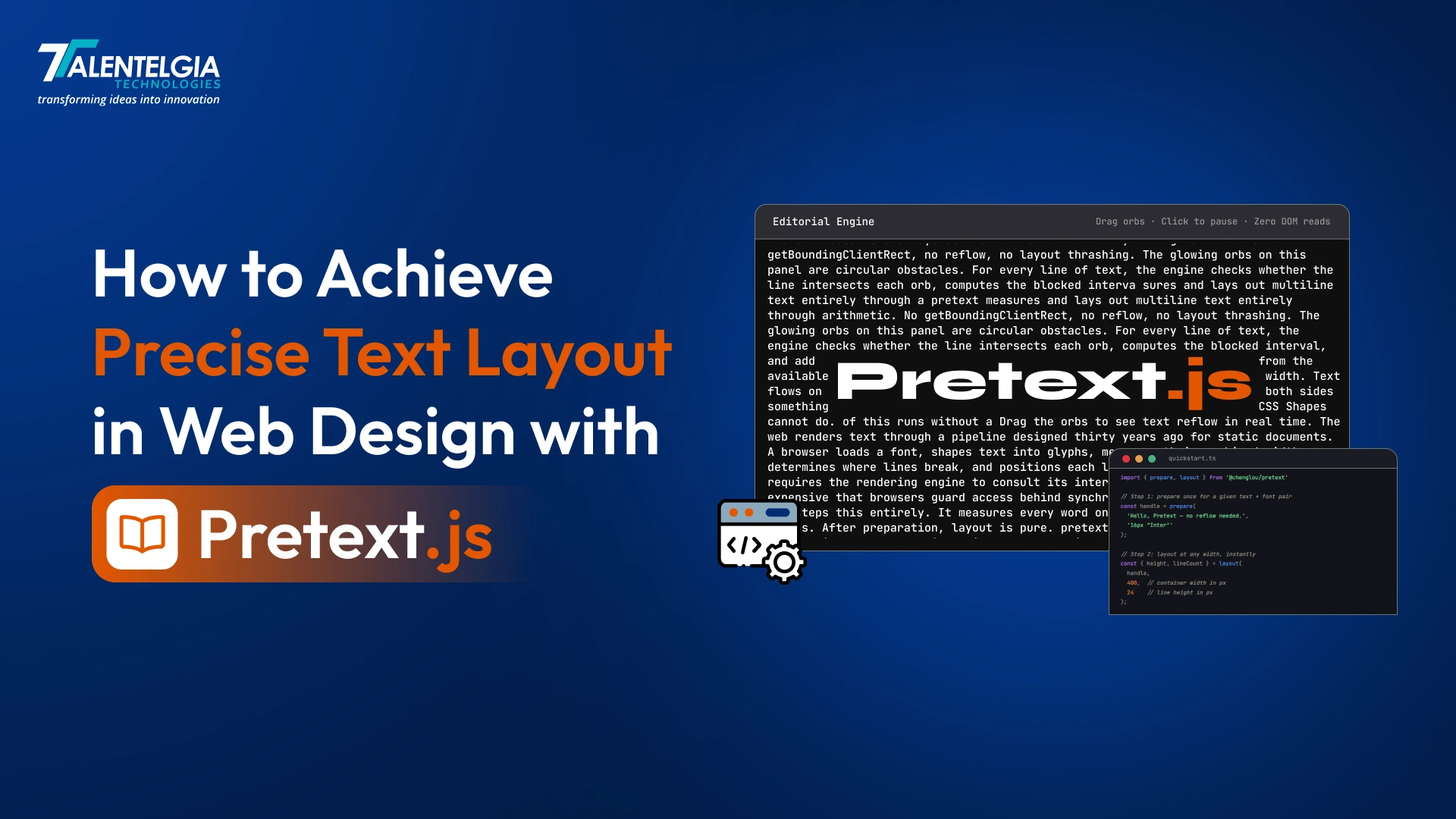
When you’re designing a modern website or app, text isn’t just content; it’s a lifeblood that shapes your entire layout. Whether it’s a landing page, a Saas dashboard, or a long-form article, knowing how much space your text will take can distinguish a clean & responsive design from a broken one.
But here’s a catch: browsers don’t make this task easy. Traditionally, developers rely on methods that measure text directly from the page. While these methods do work, they come with a cost – they hinder performance, slow things down, and can make the whole interface feel less responsive. This becomes especially noticeable in text-heavy & dynamic layouts.
That’s where Pretext.js comes in; it’s a lightweight JavaScript library that lets you predict how much space your text will take without needing to render it in the browser first. It’s fast, efficient & built for designers & developers who want fancy user interface designs without compromising precision and performance.
What is Pretext?
Pretext is a library written in pure JavaScript/TypeScript aimed at calculating multiline text layouts ahead of time, without relying on the browser’s standard layout processing. This means, instead of injecting text into hidden elements or using getBoundingClientRect() (which causes costly DOM reflows), Pretext uses Canvas (measureText) for text segmentation and measuring. Then, using only math, Pretext calculates how the text will wrap onto new lines at any given width or shape. This allows designers & developers alike to ask questions like “how high will this paragraph be if I make this box 400 pixels wide?” without waiting for the browser to render. This is extremely helpful for people working on fluid UI layouts or dynamic layouts where text dimensions are crucial for proper alignment, animations, or scroll positioning. Pretext is also framework-agnostic (works with React, Vue, etc., or just vanilla JS) and zero-dependency – just install via npm or include the script.
Read More: Digital Experience Design
Core Concepts of Pretext
At heart, Pretext is based on a simple yet powerful two-phase processing pipeline:
- Preparation (pretext.prepare): Take in text (a string) and a font description (e.g., “16px Roboto”). Pretext splits text into text segments (words or graphemes) using the browser’s text-shaping algorithms (often via Intl.Segmenter, etc.). Pretext then uses Canvas (measureText) to measure the width of each text segment. This creates a prepared object.
- Layout (pretext.layout): Via prepared object, the width of the text container, and the line-height., Pretext walks through each text segment and calculates where line breaks occur. It returns the number of lines, the width of each line, and the text height.

This means that all heavy lifting is done in preparation. The first call to prepare() on the text will take a few milliseconds (depending on text length), but after that, calling layout() is extremely fast (pure arithmetic). This is something designers can use to resize containers or change layouts on the fly without any lag at all. Also, because Pretext does not insert any DOM elements, we don’t have any problems with layout thrashing.
This means we can call prepare() once (for example, when the text is loaded or on content change). Then we can call layout() repeatedly on window resize, on slider change, on style change, etc.
Installation & Getting Started with Pretext.js
Pretext.js is designed to be simple & flexible. You can use it in plain JavaScript, React, or even on the server. Let’s walk through how to set it up and start using it.
Step 1 – Install Pretext.js
You can install Pretext via npm or yarn by running:
npm install @chenglou/pretextStep 2 – Import into your Project
Once installed, you can import it into your codebase:
import pretext from '@chenglou/pretext';No special framework is required. In vanilla HTML/JS, you can use the UMD build from a CDN. Just make sure the font we use is the same as what we use in our CSS; otherwise, the measurements will be off.
For example:
const text = "Hello World";
const prepared = pretext.prepare(text, { font: "18px Arial" });
// Use later for layout calculations...
We can use Pretext in both the browser and Node. Note that when we use Pretext on the server (for example, Next.js SSR), we need to shim Canvas since Node does not have Canvas support.
Pretext API and Usage
- pretext.prepare(text, options): Returns a prepared object after segmentation and measurement. options should have at least font specified (e.g., “14px Times New Roman”). Optional parameters can specify segmentation granularity.
- pretext.layout(prepared, maxWidth, lineHeight): With the prepared data and width and height in pixels for a container box, returns layout information including height, number of lines, and segment information for each line.
- pretext.layoutNextLine(cursor, width): (Advanced Usage): Layout one line at a time with possibly varying width for text flow around shapes.
- pretext.layoutWithLines(prepared, maxLines, width): Limits layout to a specified maximum number of lines for truncated viewports.
Simple JavaScript Example (text height calculation):
var text = 'This is a sample text block.';
var prepared = pretext.prepare(text, { font: '16px Roboto, sans-serif' });

// Assume our container box is 300 pixels wide and we are using a 20-pixel line height.

var result = pretext.layout(prepared, 300, 20);

console.log("Height:", result.height, 'px,', result.lines.length, 'lines');
// Example output: Height: 60 px, 3 lines
React Example:
import pretext from '@chenglou/pretext';

function TextComponent({ text, width }) {
  const [prepared, setPrepared] = useState(null);
  useEffect(() => {
    const prep = pretext.prepare(text, { font: '16px Arial' });
    setPrepared(prep);
  }, [text]);

  let layoutResult = null;
  if (prepared) {
    layoutResult = pretext.layout(prepared, width, 20);
  }

  return (
    <div style={{ width }}>
      {text}
      {/* We could set an explicit height if needed: */}
      {/* style={{ height: layoutResult?.height + 'px' }} */}
Pretext doesn’t offer any UI components or hooks, but it can be easily integrated. One can even create their own custom hook usePretext to wrap these calls. However, most often, it is perfectly valid to just call prepare and layout as shown above.
Design-Driven Use Cases and Patterns
In modern web design, text is one of the most unpredictable elements in a layout. Studies show that content-related shifts (like text resizing or reflows) are among the top causes of poor user experience and layout instability. For designers and UX developers, Pretext provides access to several powerful patterns:
- Responsive Text Blocks: In responsive design, it is often useful to know how tall text blocks are. This is useful when building fluid grids, columns, cards, etc. For example, designing a product card grid where all text should align to the very bottom. Pretext can calculate how tall all text blocks are, allowing you to set container heights accordingly.
- Dynamic Interfaces (Chat, Feeds): Designing chat bubbles, feeds, etc., where text is constantly coming in. Pretext can calculate how tall chat bubbles are, allowing you to animate them without any flicker. For example, as a user types, you can prepare the current input text and then layout on every keystroke to adjust the height of a textarea.
- Complex Layouts (Shapes & Masks): Designers often need to flow text around images, etc. Pretext provides layoutNextLine, which allows specifying a variable width for every line. For example, if there is an image in a paragraph, we can line up text around it by specifying variable widths for every line.
- Design Prototyping: Design tools like Figma support importing HTML/CSS. Pretext can be used in the plugin or tool to accurately match the height of the text in the final rendered version.
- Epitext/Watermarks: In certain design situations, like digital newspapers or e-books, adding stamps or watermarks in empty text areas requires knowledge of line breaks in advance.
All these patterns require the need to consider the height of the text in the design process. The designers want the height of the text to be fixed instead of behaving in an unpredictable manner. Pretext fulfills the need of designers by providing deterministic dimensions of the text.
Framework Compatibility & Integration with Modern Stack
Pretext is compatible with any frontend technology stack. It can be used in React applications, as shown in the above example, or in Next.js by using prepare() on the server with Canvas polyfilled. It can be used in bundlers like Vite with ES Module Import. State managers like Redux or Vuex can be used if required; however, it is not necessary in the majority of cases. Pretext is not used as a state manager; it is used as a pure function library. It can be used with state managers like Redux Toolkit or even with the Composition API in Vue.
Key Considerations When Using Pretext.js
While pretext is powerful, using it effectively requires an understanding of a few important aspects – especially around accessibility, performance, and migration for older approaches.
Let’s break these down clearly and practically:
- Accessibility Considerations: Pretext does NOT affect accessible content. Instead, it measures it. So, all original content will remain in the normal DOM or will be injected later. Nevertheless, some care has to be taken. For instance, when hiding original content and showing a canvas or a custom element, aria-label has to be used. Additionally, when using text scaling (zooming), it has to be supported. Since we use pixel calculations in the library, big font size cases (WCAG 1.4.4/1.4.10) have to be checked. For instance, relative units (em/rem) have to be used in your styles. Then, the layout has to be recalculated using the layout function. Finally, when it comes to colors and text readability, everything works as usual. Pretext does not affect your styles except in cases when the size has been explicitly set.
- Performance Implications: Pretext’s usage will require a bit more work in the beginning, but will allow for much faster user interactions. For instance, the prepare step might take 1-5 ms in the best case (hundreds of chars) or even more in the worst case (thousands of chars). So, it’s recommended to perform it asynchronously or outside the UI thread if possible. Then, the layout step will take much less time (sub-ms) even in the case of complex text. So, in the best case, we might be hundreds of times faster than the alternative (injecting hidden text in the DOM and using the reflow method). When it comes to memory usage, it’s negligible (a few KB per prepared text). So, in design terms, we will be able to provide live, resizable text blocks in milliseconds. Nevertheless, when the font or the text itself changes, the prepare function has to be called.
- Migration from Similar Libraries/ Methods: Before Pretext, teams have used various hacks, such as a hidden div for height offsetHeight, canvas.measureText for manual measurement on every render, or libraries such as textarea-autosize for inputs. To migrate to Pretext, you can replace these solutions with pretext.prepare, or layout. There is no direct “plugin” way to use Pretext. It is a paradigm change. You will most likely remove the DOM measurement code and replace it with Pretext calculations. The learning curve is a drawback, but the performance improvement is immediate.
Pros, Cons & Trade-offs of Pretext
- Pros: Ultra-fast repeated measurements for animations and layout, precise alignment with browser font rendering, supports all scripts and emojis, small bundle size, and no CSS quirks. Empowers designers with predictable results.
- Cons: Initial learning curve due to new API, initial overhead for every text block, does NOT layout styled HTML (only one font and style at a time). If text style changes (font size, weight), you will need to reprepare. Also, as a calculation library, you still need to write your own responsive logic. Designers will need to make sure their design stays in sync with Pretext calculations. This library will NOT auto-magically update for you. You will need to call it at the right time in your code.
Testing & Debugging
- Unit tests: To achieve predictable results, you can unit test Pretext results against a known value or mocked DOM measure. You can use sample paragraphs, including special characters, and assert correct line counts and heights.
- Visual diff: Render your text in a hidden element and compare Pretext’s predicted height to actual scrollHeight.
- Debug tools: Print out your prepared object. It contains segments and widths. If lines are wrapping unexpectedly, you can verify your segment lengths.
- Performance testing: You can use console.time to measure the performance of preparing and laying out very long texts.
Always test with the actual fonts and styles used in your application. If the fonts don’t match, small mistakes will occur.
In Conclusion
In the landscape of modern web design & development, performance and precision directly impact the user experience and user interface. Relying on traditional DOM manipulation methods is not enough if you want a design that sells, not just exists. Pretext.js bridges this gap with its fundamentally better approach for text resizing & reflows.
By separating preparation from layout, pretext allows designers and developers alike to create interfaces that are not only fast but also more predictable, visually consistent, and beautiful. If your product heavily depends on text, pretext.js is more than a utility. It’s a step towards the future of performance-driven, design-first layouts.














 Sales Enquiries:
  Business queries:
  HR:
HR: 


