



 Healthcare Software Development Services
 Healthcare App Development Services
 Real Estate Web Development Services
 Real Estate App Development Company
 E-Commerce App Development Services
 E-Commerce Web Development Services
 Blockchain E-commerce Development Company
 Fintech Software Development
 Fintech App Development Services
 E-Learning App Development Services
 Restaurant App Development Company
 Mobile Game Development Company
 Travel App Development Company
 Automotive Web Design
 AI Traffic Management System
 AI Inventory Management Software
 Logistics App Development Services
 Machine Learning Development
 ChatGPT integration services
  AI Development Company
  AI Integration Services
  Natural Language Processing Company
 Mobile App Development
  IOS App Development
  Android App Development
  Cross-Platform App Development
  Augmented Reality (AR) App Development
  Virtual Reality (VR) App Development
  Web App Development
  SaaS App Development
 Custom Software Development Services
  Flutter
  React Native
  Swift (IOS)
  Kotlin (Android)
  Mean Stack Development
  AngularJS Development
  MongoDB Development
  Nodejs Development
  Database Development
 Ruby on Rails Development
 Expressjs Development
  Full Stack Development
  Web Development Services
  Laravel Development
  LAMP Development
  Custom PHP Development
  .Net Development
  User Experience Design Services
  User Interface Design Services
  Automated Testing
  Manual Testing
  Digital Marketing Services
 Ride-Sharing And Taxi Services
 Food Delivery Services
 Grocery Delivery Services
 Transportation And Logistics
 Car Wash App
 Home Services App
 ERP Development Services
 CMS Development Services
 LMS Development
 CRM Development
 DevOps Development Services
 AI Business Solutions
 AI Cloud Solutions
 AI Chatbot Development
 API Development
 Blockchain Product Development
 Cryptocurrency Wallet Development
 About Talentelgia
  Our Team
  Our Culture
 Healthcare App Development Services
 Real Estate Web Development Services
 E-Commerce App Development Services
 E-Commerce Web Development Services
 Blockchain E-commerce
Development Company
Blockchain E-commerce
Development Company Fintech App Development Services
 Blockchain Fintech
Development Company
Blockchain Fintech
Development Company E-Learning App Development Services
 Restaurant App Development Company
 Mobile Game Development Company
 Travel App Development Company
 AI Traffic Management System
 AI Inventory Management Software
 AI Development Company
 ChatGPT integration services
 AI Integration Services
 Machine Learning Development
 Machine learning consulting services
 Blockchain Development
 Blockchain Software Development
 Smart contract development company
 NFT marketplace development services
 Asset tokenization companies
 DeFi Wallet Development Company
 IOS App Development
 Android App Development
 Cross-Platform App Development
 Augmented Reality (AR) App
Development
Augmented Reality (AR) App
Development Virtual Reality (VR) App Development
 Web App Development
 Flutter
 React
Native
React
Native Swift
(IOS)
Swift
(IOS) Kotlin (Android)
 MEAN Stack Development
 AngularJS Development
 MongoDB Development
 Nodejs Development
 Database development services
 Expressjs Development
 Full Stack Development
 Web Development Services
 Laravel Development
 LAMP
Development
LAMP
Development Custom PHP Development
 User Experience Design Services
 User Interface Design Services
 Automated Testing
 Manual
Testing
Manual
Testing About Talentelgia
 Our Team
 Our Culture
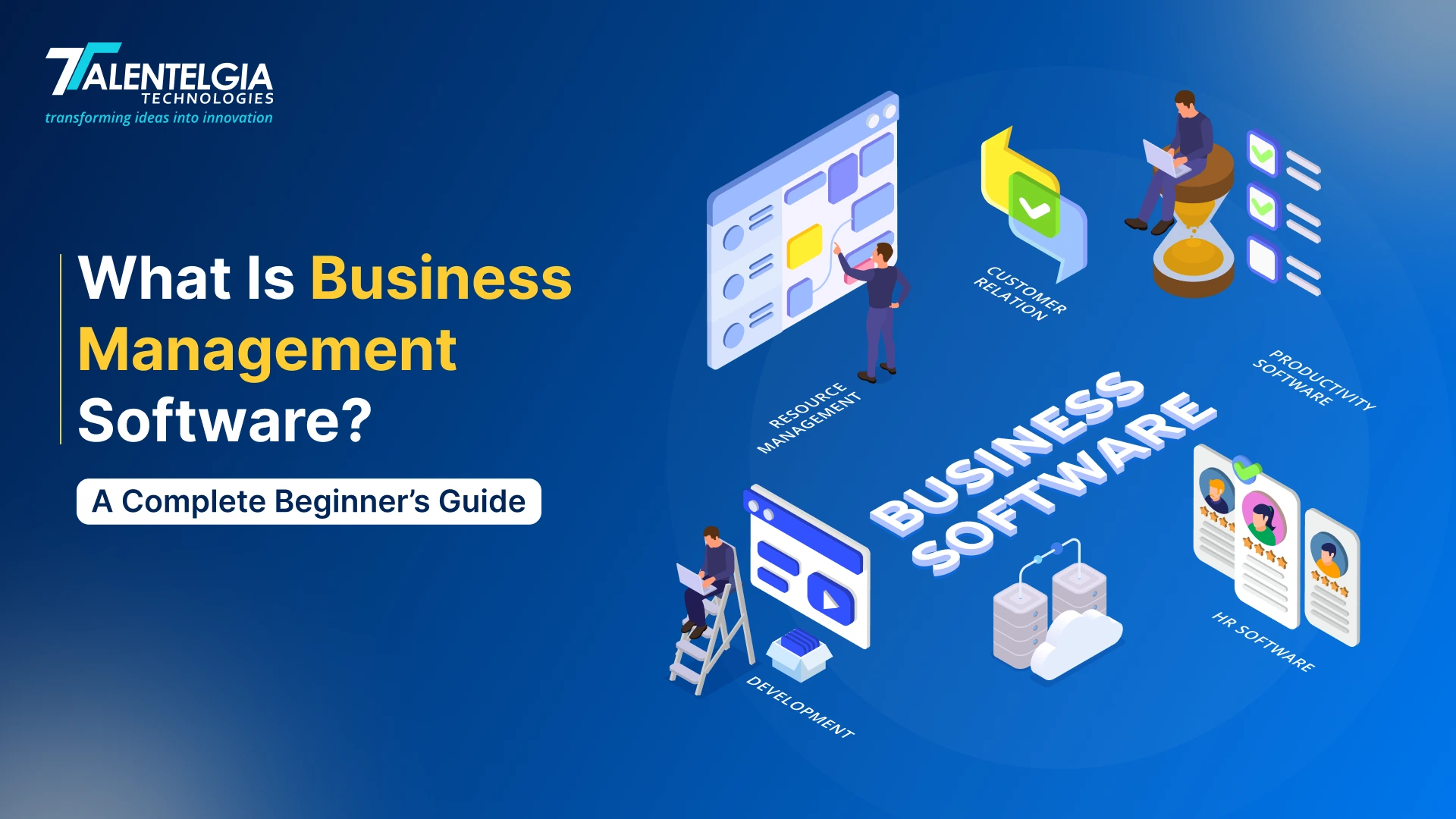
Business management software is a centralized system that brings a company’s core operations into a single connected system. Instead of relying on separate tools for finance, customer relationships, HR, sales, supply chain, or project management, businesses can streamline workflows, improve collaboration, and access current operational data from a single source. That means actions in one area will automatically update across all others.
The growing demand for connected business operations is already visible in the market. The global business management software market was valued at USD 584 billion in 2025. And that clearly shows how businesses across industries are moving away from disconnected tools and manual processes toward integrated digital systems.
The term is broad by design. It covers everything from lightweight SMB suites that bundle 40+ applications for small teams to enterprise ERP platforms built for multi-entity organisations with complex financial and compliance requirements.
This guide breaks down what a business management software solution actually is, the types available, and the features that matter. We will also provide a step-by-step evaluation framework to help you choose the perfect platform for your business.
Why Businesses Need Business Management Software
Spreadsheets, siloed tools, and manual reconciliation have a cost. Most businesses just never measure it.
The problem here is fragmentation. As businesses grow, they use multiple tools – one for accounting, another for inventory, a separate CRM, and a standalone HR tool. Each of them works alone without any connection to the others. That’s when a patchwork of information appears, requiring constant manual checking, creating mistakes and slowing every decision.
The numbers put a hard cost on this:
- Gartner estimates that poor data quality costs organisations an average of $12.9 million every year
- A survey says that nearly 77% of respondents agree or strongly agree that data silos hinder their organisation’s ability to perform active analytics and make data-driven decisions.
- Employees waste an average of 12 hours per week simply chasing data trapped across disconnected systems.
A business management software solution eliminates this directly. Here is what changes when a business moves to an integrated system:
| Without BMS | With BMS |
|---|---|
| Data entered manually across multiple tools | Data entered once flows across all modules |
| Reports built from stale, inconsistent exports | Live dashboards from a single source of truth |
| Departments working from different numbers | Shared data, shared definitions, shared visibility |
| Decisions made on delayed information | Leadership acts on live operational data |
What this means at a practical level:
- A sales order placed will automatically get updated without any manual intervention
- A new hire in HR triggers payroll setup without a separate data entry step
- A change in raw material cost instantly recalculates product margins
- Finance closes faster because reconciliation is system-driven, not manual
Core Functions of Business Management Software
1. Finance & Accounting
The finance module takes care of all financial aspects of a business, including general ledger, accounts payable and receivable, bank reconciliation, multi-currency transactions, tax compliance, budgeting, and financial consolidation. It eliminates the need to produce static reports at the end of the month and maintains a continuously updated view of the company’s financial position.
| Benefit: Financial managers will spend less time reconciling the figures and have more time advising the company. The flow of funds is monitored continuously, the closing period gets faster, and financial documents satisfy all the auditing requirements. |
2. Customer Relationship Management (CRM)
The CRM module centralises all customer and prospect data: contact history, purchase records, sales pipeline stages, lead sources, and communication logs, in one place. CRM development services enable seamless integration with inventory, order management, and invoicing, meaning sales teams always work from current stock and pricing data. It also supports marketing functions, including audience segmentation, campaign tracking, and automated follow-up workflows.
Modern CRM platforms are now heavily supported by AI chatbot development, natural language processing company solutions, AI-powered customer communication tools, and marketing automation systems that improve customer engagement and response times.
| Benefit: Sales cycles shorten when reps already have complete consumer data in hand. And that’s when conversion rates improve, customer relations get better, and the handoff between sales, fulfillment, and finance takes place without any manual effort. |
3. Inventory & Warehouse Management
This inventory management software module allows users to monitor stocks and their movement from one place to another in a single or multiple warehouses in real time. It also supports barcode scanning, RFID scanning, demand planning based on past sales, automatic reordering once stock drops below certain pre-defined limits, and so much more.
| Benefit: Business organizations save on the cost of overstocking and understocking inventory. Fulfilment accuracy improves, carrying costs are reduced, and customer-facing stock information stays accurate without updating it manually. |
4. Human Resources & Payroll
Managing people involves several moving parts, like hiring, onboarding, attendance, leaves, and payroll. With HRM, everything gets covered in one place. Employee records, contracts, and compliance documents are stored centrally and connected directly to payroll.
| Benefit: When a new hire is added to the system, payroll setup and compliance records update automatically. HR teams spend less time buried in admin and more time on things that actually move the business forward – like workforce planning and performance management. |
5. Project Management
For businesses that run on projects, having project data siloed away from finance and operations is always a headache. Project management is built into a broader business management system that solves all the issues. Task assignments, milestones, budgets, time logs, and resource tracking all sit in one place, and project costs flow directly into financial reporting without any manual exporting.
| Benefit: Project managers always know where budgets and resources stand. And that happens side by side, not just at the end of the month. In case of overspending, it gets flagged earlier. Invoices also become more accurate. |
Types of Business Management Software Types
Not all business management software is built the same. Some tools handle one specific job; others manage your entire business from a single platform. Knowing how each type is different will help you pick the right fit for your business and will eventually help you avoid paying more or working with less than you need.
Let’s see how the types compare:
| Type | Primary Focus | Best Suited For |
|---|---|---|
| ERP | End-to-end operations | Mid-market & enterprise |
| CRM | Sales & customer relationships | Sales-led, growth-stage businesses |
| HRM | Workforce & payroll | Any business with structured HR needs |
| Accounting | Financial transactions & reporting | SMBs or as an ERP module |
| Project Management | Project delivery & resource tracking | Services, construction, engineering |
| SCM | Supply chain & logistics | Manufacturing, retail, distribution |
Key Features of Business Management Software
Below is our list of important considerations divided into four main areas to help you understand what you should consider:
1. Financial Management
- General ledger and bookkeeping to ensure all transactions are recorded in real time without the need for reconciliation
- Invoicing and accounts payable/receivable to manage all aspects of the billing process, including vendor information
- Budgets and forecasting allow you to compare expenditures against budgets and forecast future finances based on past performance
- Multi-currency and tax are vital for organizations that operate in various geographical locations
- Automated reconciliation matches transactions across accounts without manual intervention, reducing errors and closing books faster
2. Operations and Project Management
- Task and milestone tracking assigns ownership, sets deadlines, and flags delays before they escalate
- Gantt charts offer a dynamic picture of project progress and interdependencies
- Project management tools like Resource and staffing management ensure proper allocation of resources without overstaffing
- Time and expenditure recording enables accurate accounting of time and money spent in the project budget
- Automated workflow management allows for notifications and task progression based on pre-defined rules – no need for follow-ups
3. Customer and Sales Management
- Contact and lead management captures a complete history for each customer and prospect in one location
- Sales pipeline visibility monitors opportunities from initial engagement to closure, using probability and revenue forecasting
- Marketing automation handles audience segmentation, campaign tracking, and automated follow-up sequences
- Customer communication documents all calls, emails, and communications in one place, available to the entire organization
- Order and invoice integration – seamless connection between sales activities, fulfillment, and accounting
4. Reporting, Security, and Scalability
Reporting and Analytics
Quality business management software offers customisable dashboards that display key performance indicators relevant to specific user roles and departments – so a finance manager and a project lead see what is relevant to them, not everything at once.
Security and Access Controls
The enterprise business management software must incorporate strict security protocols. This includes encrypted storage of data, automatic backup solutions, and disaster recovery plans. The use of role-based permissions means users have access to what is necessary for their work, while GDPR compliance ensures all data governance requirements are fulfilled automatically.
Integration and Scalability
If your business management software solution isn’t able to integrate into your current processes, then you are better off not using it. Make sure the software offers AI integration services, integration into your email provider, accountancy systems, and online stores, and open API access for custom connections.
Top Business Management Software Solutions in 2026
Here is our list of the top seven business management software solutions in 2026:
Zoho One
This one is an all-in-one business suite with 45+ integrated applications all under a single subscription.
Best for: Small to mid-sized businesses wanting an integrated suite without multiple SaaS subscriptions
Key features:
- CRM, accounting, HR, marketing, and project management in one platform
- Custom workflow automation across all apps
- Unified analytics and reporting dashboards
Watch out for: Individual apps within the suite are less feature-rich than dedicated best-of-breed alternatives
HubSpot
Started as a marketing automation tool, HubSpot has evolved into a full-fledged CRM tool that handles sales, marketing, and customer support functions, all with user-friendly simplicity.
Best for: Companies growing their way towards inbound marketing and sales alignment
Key features:
- Integrated CRM with pipeline and contact management
- Marketing automation and lead nurturing
- Free CRM tier available with genuine core functionality
Watch out for: As your contact databases and feature requirements increase, so do the costs
Microsoft Dynamics 365
ERP and CRM tool designed specifically for use in the Microsoft ecosystem, making it ideal for companies that already use Microsoft 365, Teams, and Azure infrastructure. Working with an experienced Microsoft Dynamics 365 Partner ensures seamless implementation, customization, integration, and ongoing support to maximize the platform’s value.
Best for: Medium-sized to enterprise organizations deeply invested in the Microsoft stack
Key features:
- Combined ERP and CRM in one platform
- AI-powered insights via Microsoft Copilot
- Native integration with Teams, Outlook, Power BI, and Azure
Watch out for: It is expensive. The total spend starts increasing quickly once you add in modules like Power BI, Azure services, etc.
Asana
A project management application tailored for organizations that need structured work processes, clear task ownership, and visibility of different functions within an organization.
Best for: Teams managing complex projects across multiple departments
Key features:
- Task, project, and portfolio management
- Timeline and Gantt views
- AI Studio capabilities from the Starter tier
- Comes with 100+ integrations, including Slack, Teams, and Google Workspace
Watch out for: Only the higher tiers offer advanced reporting and automation
Monday.com
A visual work operating system that started as a project management tool and has expanded into CRM, HR workflows, and operations management.
Best for: Teams prioritising ease of use, visual workflow management, and fast adoption
Key features:
- Highly customisable boards and dashboards
- 850+ third-party integrations
- Built-in CRM and workflow automation
- AI-powered task and risk management
Watch out for: Its CRM and operation features are not very mature compared to the other dedicated tools at higher seat counts
How to Choose the Right Business Management Software
Here is how to approach it methodically:
Start with your pain points – Before looking at any software, list what is actively slowing your business down. It can be payroll errors, inventory gaps, reporting delays, etc. Remember, your pain points define your requirements.
Involve the right people early – Your team, IT, finance, and operations leads all must be involved while making this decision. So, get them in the room before shortlisting anything. The further into the process you bring someone in, the more disruptive their input becomes. Get everyone aligned from the start, and the decision moves faster.
Define your must-haves – Make sure you are always clear about the non-negotiables and the nice-to-have features. A long wishlist will only lead you to paying for features your business might not even use. So, stay anchored to what the business actually needs today and in the coming years.
Trial before you commit – Demos show you the best-case version of a product. But free trials are where you see the actual picture. Carefully test real workflows with your actual team and collect honest feedback before signing or paying anything.
Evaluate total cost, not just the licence fee – Consider implementation, training, add-ons, and support costs. The headline price is rarely what you end up paying.
Wrapping Up
Well, now that we have taken a complete dive into everything about business management software, the types, features, and so much more, it’s time to make the right decision.
The right platform will organise your operations, actively drive growth, remove bottlenecks, and give your team the visibility to make better decisions every day. So, take the time to evaluate your requirements carefully, involve the right stakeholders, and choose a solution that grows alongside your business.










 Sales Enquiries:
  Business queries:
  HR:
HR: 


