



 Healthcare App Development Services
 Real Estate Web Development Services
 E-Commerce App Development Services
 E-Commerce Web Development Services
 Blockchain E-commerce Development Company
 Fintech App Development Services
 Fintech Web Development
 Blockchain Fintech Development Company
 E-Learning App Development Services
 Restaurant App Development Company
 Mobile Game Development Company
 Travel App Development Company
 Automotive Web Design
 AI Traffic Management System
 AI Inventory Management Software
 AI Development Company
  ChatGPT integration services
  AI Integration Services
  Generative AI Development Services
  Natural Language Processing Company
 Machine Learning Development
  Machine learning consulting services
  Blockchain Development
  Blockchain Software Development
  Smart Contract Development Company
  NFT Marketplace Development Services
  Asset Tokenization Company
 DeFi Wallet Development Company
 Mobile App Development
  IOS App Development
  Android App Development
  Cross-Platform App Development
  Augmented Reality (AR) App Development
  Virtual Reality (VR) App Development
  Web App Development
  SaaS App Development
 Flutter
  React Native
  Swift (IOS)
  Kotlin (Android)
  Mean Stack Development
  AngularJS Development
  MongoDB Development
  Nodejs Development
  Database Development
 Ruby on Rails Development
 Expressjs Development
  Full Stack Development
  Web Development Services
  Laravel Development
  LAMP Development
  Custom PHP Development
  .Net Development
  User Experience Design Services
  User Interface Design Services
  Automated Testing
  Manual Testing
  Digital Marketing Services
 Ride-Sharing And Taxi Services
 Food Delivery Services
 Grocery Delivery Services
 Transportation And Logistics
 Car Wash App
 Home Services App
 ERP Development Services
 CMS Development Services
 LMS Development
 CRM Development
 DevOps Development Services
 AI Business Solutions
 AI Cloud Solutions
 AI Chatbot Development
 API Development
 Blockchain Product Development
 Cryptocurrency Wallet Development
 About Talentelgia
  Our Team
  Our Culture
 Healthcare App Development Services
 Real Estate Web Development Services
 E-Commerce App Development Services
 E-Commerce Web Development Services
 Blockchain E-commerce
Development Company
Blockchain E-commerce
Development Company Fintech App Development Services
 Finance Web Development
 Blockchain Fintech
Development Company
Blockchain Fintech
Development Company E-Learning App Development Services
 Restaurant App Development Company
 Mobile Game Development Company
 Travel App Development Company
 Automotive Web Design
 AI Traffic Management System
 AI Inventory Management Software
 AI Development Company
 ChatGPT integration services
 AI Integration Services
 Machine Learning Development
 Machine learning consulting services
 Blockchain Development
 Blockchain Software Development
 Smart contract development company
 NFT marketplace development services
 IOS App Development
 Android App Development
 Cross-Platform App Development
 Augmented Reality (AR) App
Development
Augmented Reality (AR) App
Development Virtual Reality (VR) App Development
 Web App Development
 Flutter
 React
Native
React
Native Swift
(IOS)
Swift
(IOS) Kotlin (Android)
 MEAN Stack Development
 AngularJS Development
 MongoDB Development
 Nodejs Development
 Database development services
 Ruby on Rails Development services
 Expressjs Development
 Full Stack Development
 Web Development Services
 Laravel Development
 LAMP
Development
LAMP
Development Custom PHP Development
 User Experience Design Services
 User Interface Design Services
 Automated Testing
 Manual
Testing
Manual
Testing About Talentelgia
 Our Team
 Our Culture
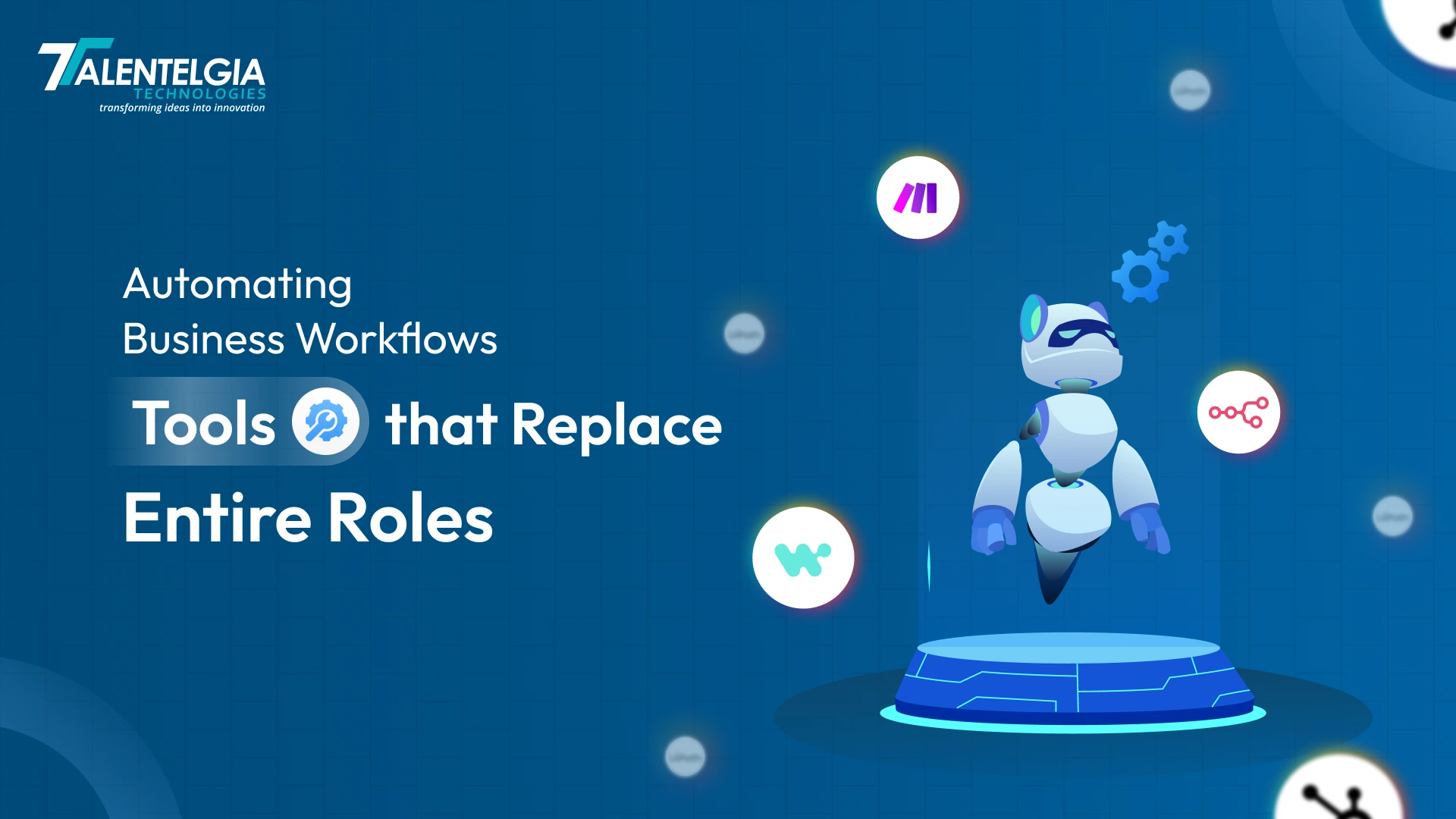
From an overall perspective, the growing demands and requirements of the global economy will feature the emergence of new technologies and new ways of working across numerous industries. The goal will be on maintaining productivity, efficiency, and competitiveness. These workflow automation tools will automate various monotonous, repetitive, and recurring tasks to save more time for the employees so they can engage in other important tasks.
This will make the work more productive and enjoyable, enhance the client’s experience with goods or services offered, and eventually improve the overall employee experience within the organization. The desire to increase operational effectiveness will also be a key driver behind the growing demand for workflow automation and broader business automation initiatives in the near and distant future. As per research from Future Market Insights, the global workflow management software market is projected to reach $158.6 billion by 2035, with a CAGR of 28% during the forecast period.
Understanding Workflow Automation Tools: Benefits, Features, Top Picks
Software is designed to simplify human tasks. Unfortunately, many automation tools, even though it assists them, also come with several disadvantages. For example, these tools could be missing a feature that you need for your business operation system to run efficiently. Some organizations customize their tool with a human resource, usually for data entry tasks and to utilize the tool’s full features. You can avoid this with workflow automation platforms.
Workflow automation is the ability to streamline and automate numerous tasks within the application you work with. The following is a guide to workflow automation and how to adapt to the processes.
What Is Business Workflow Automation?
Business workflow automation allows large organizations to simplify their workflows. Here, you set out how tasks should be distributed across people and tools to ensure work is done in an organized and seamless manner. Such an arrangement sustains business operations for a longer period and needs to be destabilized without relying on memory or constant follow-ups. It typically starts with a trigger and uses an automated workflow to go to the next steps. Each step has an assigner, a condition, and a specific outcome.
Rules are what keep the consistency in the system. In it’s core, Automation aims to eliminate manual effort through predefined rules that control what happens next after each given action. This collaboration software performs task routing, pushing notifications, and records are integrated in the system without requiring data entry. Although, there are still situations that require judgement, and that’s where human intervention is required to execute, track, and display while automation does the rest.
Why Is It Important To Invest In Automation Software?
Establishing processes for any business is an overwhelming task. It gets uncomfortable for setting up systems to do a job as control over the process is lost. Nonetheless, there are countless benefits of investing in a worlflow automation tool. Here are few of them:
- Increased Efficiency: Bots complete tasks in seconds that take people hours. Approvals happen instantly. Reports generate automatically. Your team works on big goals instead of small chores.
- Cost Savings: Replace salaries with cheap software. One data entry person costs $50K/year. A $20/month tool does it better, faster. Save money and hire for growth areas.
- Consistency & Reliability: Every task runs the same way, every time. No mistakes from tired workers. No weekend fixes. Customers get perfect service around the clock.
- Scalability: Grow your business 10x without hiring 10x more people. Handle big traffic spikes easily. Expand to new markets without new staff.
- Improved Data Quality: No typos or wrong entries. Data flows clean from source to reports. Better data means better marketing, sales, and decisions.
Crucial Feature To Look For In an Automation Software
It is important to evaluate the best workflow automation software and acquire an understanding of each tool above and beyond before simply checking the boxes. The software you choose must have the following features that will help you determine that your platform can genuinely scale. Choose tools that grow with your business:
- Lots of App Connections: Links your CRM, email, accounting, and more. No need for expensive developers to build custom connections.
- Easy Visual Builder: Drag and drop to create workflows. Non-tech people can build automations without coding.
- Smart Decision Making: Handles “if this, then that” logic. Routes approvals correctly and handles exceptions automatically.
- AI Smart Features: Reads documents, understands emails, and generates content. Goes beyond simple copy-paste automation.
- Grows With You: Handles 100 tasks today, 100,000 tomorrow. Never slows down during busy seasons.
- Enterprise Security: Keeps customer data safe. Meets GDPR and SOC2 standards. Audit trails for compliance teams.
- Real-Time Monitoring: Shows exactly what’s working (or failing). Get alerts when something breaks.
- Team Collaboration: Multiple people can edit and improve workflows together. Like Google Docs for automation.
- Works on Mobile: Approve workflows from your phone. Check status anywhere, anytime.
- Quick Setup: Templates and guides get you started fast. Free trials show value in days, not months.
Top 10 Business Automation Software Tools In 2026
The size, processes, and work ecosystem will determine which software will be the best for your company. While some tools focus on automating individual tasks, others provide scalability and reliability at the enterprise level. Here’s a quick comparison of leading automation platforms for the year 2026:
1. Zapier
Zapier remains the gold standard for instant app connections, linking thousands of tools without any coding required. It’s perfect for marketing teams automating lead flows from forms straight to CRM systems and email nurture sequences. The platform’s AI agents now handle smart decisions like automatic lead scoring or content categorization. Multi-step Zaps with built-in error handling make it incredibly reliable for daily operations across small businesses and growing enterprises. SMBs particularly love how the free tier lets them test real workflows before committing. Its simplicity means non-technical users can replace data entry clerks and junior admins immediately.
Key Features:
- 8,000+ app integrations, multi-step Zaps
- AI agents, premium apps, error retries
- 100+ templates, mobile monitoring
- Team folders, usage analytics
| Plan | Monthly Price | Key Limits | Best For |
| Free | $0 | 100 tasks/mo, core apps | Testing basic Zaps |
| Professional | $29.99+ | 750-100K+ tasks, multi-step | Solo power users |
| Team | $103.50+ | 2K-2M tasks, workspaces | Small teams (2-10) |
| Enterprise | Custom | Unlimited, SSO support | Large orgs |
2. Make
Make crushes complex workflows through its intuitive drag-and-drop scenario builder that handles advanced logic far better than most competitors. Operations teams rely on it for intricate data transformations like parsing CSV files, making API calls, and routing information based on specific conditions. The European data hosting option appeals to businesses prioritizing GDPR compliance and data sovereignty. Detailed execution logs provide complete transparency into what happened during each run, making debugging enterprise-level flows straightforward. At half the price of similar platforms, it delivers twice the visual power and flexibility for teams building sophisticated automations daily.
Key Features:
- Visual scenario builder, iterators/aggregators
- HTTP modules, JSON/XML parsing
- EU hosting, detailed execution history
- Team collaboration, scenario templates
| Plan | Monthly Price | Operations | Best For |
| Free | $0 | 1,000 ops/mo | Learning/testing |
| Core | $29 | 10,000 ops | Small teams |
| Pro | $99 | 40,000 ops | Growing businesses |
| Teams | $299+ | 150K+ ops | Enterprise teams |
| Enterprise | Custom | Unlimited | Large scale |
3. Microsoft Power Automate
Power Automate completely dominates in Microsoft environments by seamlessly blending cloud flows with powerful desktop RPA bots. Office 365 users can automate across Teams, SharePoint, and Outlook for approvals, notifications, and file processing without leaving their familiar tools. The built-in AI Builder extracts data from PDFs and emails without needing expensive third-party services. Enterprises already paying for Microsoft licenses get incredible value since there’s virtually zero marginal cost for powerful automation. Compliance templates make it perfect for regulated industries needing audit-ready workflows.
Key Features:
- MS 365 native flows, desktop RPA
- AI Builder document processing
- 1,000+ connectors, approval workflows
- Environment management, DLP policies
| Plan | Monthly Price | RPA Access | Best For |
| Free | $0 | Cloud flows only | MS365 basics |
| Premium | $15/user | 5K flows/user | Office users |
| Process | $150 | Unattended RPA | Shared bots |
| Per Flow | $100/flow | Unlimited runs | Process teams |
4. UiPath
UiPath leads enterprise robotic process automation with AI agents that automatically adapt to UI changes through self-healing technology. The platform’s process mining tools discover hidden inefficiencies before automation even begins, saving companies millions. It handles legacy desktop applications that other platforms simply can’t touch, making it essential for banks and healthcare organizations with old systems. Orchestrator centrally manages thousands of bots with SLA monitoring and performance analytics. Fortune 500 companies standardize on UiPath to transform entire back-office departments.
Key Features:
- Computer vision AI, document understanding
- Orchestrator, process mining
- Self-healing selectors, attended automation
- Test suite, insights analytics
| Plan | Monthly Price | Bot Capacity | Best For |
| Community | $0 | Development only | Learning |
| Pro | $420 | 1 unattended bot | Single processes |
| Enterprise | ~$20K+/yr | Multiple bots | Full deployment |
5. Hubspot Workflow
HubSpot workflows live natively inside their powerful CRM, automating the entire lead nurturing process from initial capture through deal closure. Marketing teams set up enrollment triggers, lead scoring, and multi-channel sequences spanning email, ads, and SMS campaigns. The branching logic handles complex customer journeys automatically based on behavior and engagement patterns. The free tier proves powerful enough for startups while seamlessly scaling as businesses grow their CRM usage. It completely replaces marketing coordinators who manually moved leads between stages.
Key Features:
- Lead scoring, enrollment triggers
- Email sequences, internal notifications
- List segmentation, goal-based branching
- A/B testing, reporting
| Plan | Monthly Price | Contacts | Best For |
| Free CRM | $0 | Limited | Startups |
| Starter | $20/mo | 1,000 contacts | Small marketing |
| Professional | $890/mo | 2,000+ contacts | Growing teams |
| Enterprise | $3,600+/mo | 10,000+ | Large marketing |
6. Workato
Workato functions as an embedded iPaaS that orchestrates complex enterprise workflows spanning HR, finance, sales, and customer success teams. Its extensive recipe library jumpstarts common automations while AI adds intelligent decision-making capabilities. Governance features provide complete visibility and control for compliance-heavy industries like finance and healthcare. The platform handles massive transaction volumes effortlessly, scaling for Black Friday-level demand without performance degradation. Fortune 1000 companies choose Workato for mission-critical cross-department automation.
Key Features:
- Recipe marketplace, AI orchestration
- Job scheduling, retry logic
- Enterprise governance, audit trails
- High-volume throughput
| Plan | Annual Price | Tasks | Best For |
| Business | $61K-78K | 5M tasks | Mid-market |
| Enterprise | $84K-128K | 25M+ tasks | Large enterprises |
| Custom HVR | Negotiated | Unlimited | High volume |
7. N8n
n8n delivers open-source power through its flexible node-based architecture that developers absolutely love for custom automation needs. Self-hosting provides complete data control without vendor lock-in, crucial for security-conscious teams. The platform supports custom JavaScript and Python code within workflows alongside 300+ native integrations. Community templates accelerate development while Git integration enables proper version control. Tech teams choose n8n when they need unlimited flexibility without subscription limits.
Key Features:
- 300+ nodes, custom JS/Python
- Self-hosting, webhook support
- Community templates, Git integration
- AI/ML nodes
| Plan | Monthly Price | Executions | Best For |
| Self-Hosted | $0 + infra | Unlimited | Tech teams |
| Starter | €24 | 2,500 execs | Small cloud |
| Pro | €60 | 10,000 execs | Teams |
| Enterprise | Custom | Unlimited | Large scale |
8. Monday.com
monday.com transforms project management into automated workflow powerhouses through visual board automations and dependency mapping. Project coordinators get replaced by smart status updates, deadline notifications, and progress dashboards. Custom columns and forms feed directly into automated actions across teams. Time tracking integrates seamlessly with workflow triggers for resource allocation. Growing teams love how it scales from simple task automation to enterprise portfolio management.
Key Features:
- Board automations, dependency mapping
- Custom columns, forms automation
- Time tracking integration
- Dashboards, reporting
| Plan | Per User/Mo | Min Seats | Best For |
| Free | $0 | 2 seats | Solo testing |
| Basic | $12 | 3 seats ($36) | Small teams |
| Standard | $14 | 3 seats ($42) | Growing teams |
| Pro | $27 | 3 seats ($81) | Advanced PM |
| Enterprise | Custom | – | Large orgs |
9. JIRA
Jira’s automation rules power software development workflows from issue creation through deployment and monitoring. Development teams automate ticket routing, sprint planning, code review reminders, and deployment notifications. The Atlassian ecosystem integration connects perfectly with Confluence, Bitbucket, and Opsgenie. Smart values and branching logic handle complex dev processes intelligently. Software teams standardize on Jira automation to replace manual project coordination.
Key Features:
- Rule-based triggers, smart values
- Jira Service Management integration
- Branching logic, scheduled rules
- Audit logs, global rules
| Plan | Per User/Mo | Max Users | Best For |
| Free | $0 | 10 users | Small teams |
| Standard | $9.05 | Unlimited | Medium teams |
| Premium | $18.30 | Unlimited | Large teams |
| Enterprise | Custom | Unlimited | Corporations |
10. Lindy.ai
Lindy.ai pioneers task-specific AI agents that reason independently and adapt to new situations automatically. Natural language setup lets non-coders create intelligent workflows through simple conversations. Multi-agent collaboration enables complex processes where different AI specialists handle specific tasks. Human-in-the-loop features maintain control while leveraging AI power. Emerging as 2026’s breakthrough platform for truly intelligent automation beyond rigid rules.
Key Features:
- AI agents with memory/context
- Natural language workflow creation
- Multi-agent collaboration
- Human-in-loop controls
| Plan | Monthly Price | Credits | Best For |
| Free Trial | $0 | Limited | Testing |
| Pro | $29-49 | Basic | Individuals |
| Business | $199.99 | 20K credits | Teams |
| Enterprise | Custom | Unlimited | Large scale |
Conclusion
Workflow automation software fully transforms businesses, IT departments, and other industries, aiming to optimize efficiency, minimize mistakes, and enhance operational streamlining. Workers can concentrate more on the strategic goals that contribute to the business, and more automation opportunities are available for incident management, user provisioning, and workflow automation in DevOps pipelines.
Improvement in workflow automation is key and if your business automation services are still performing the processes manually, it is important to consider IT workflow automation. Along with improving employee focus and productivity, automating processes directly impacts operational reliability and performance.













 Write us on:
  Business queries:
  HR:
HR: 


